Software
Honest review of Defiq Inspect Handover mode
A plain look at Defiq Inspect Handover mode for rental units. Mark each item, sign on the phone, and leave with the same report for the company and the client.

- defiq-inspect
- handover
- rental
- property-inspection
- singapore
- malaysia
Defiq Inspect Handover mode is a useful addition for one job. It records whether the items in a rental unit are in good condition, then finishes the paperwork while everyone is still in the room. It suits hostels, co-living, and serviced apartments. A walk-through usually ends with photos, and the report gets done later. Handover finishes that report on the phone. Teams who already use Defiq Inspect for defect work can run a condition check in the same app.
What you record
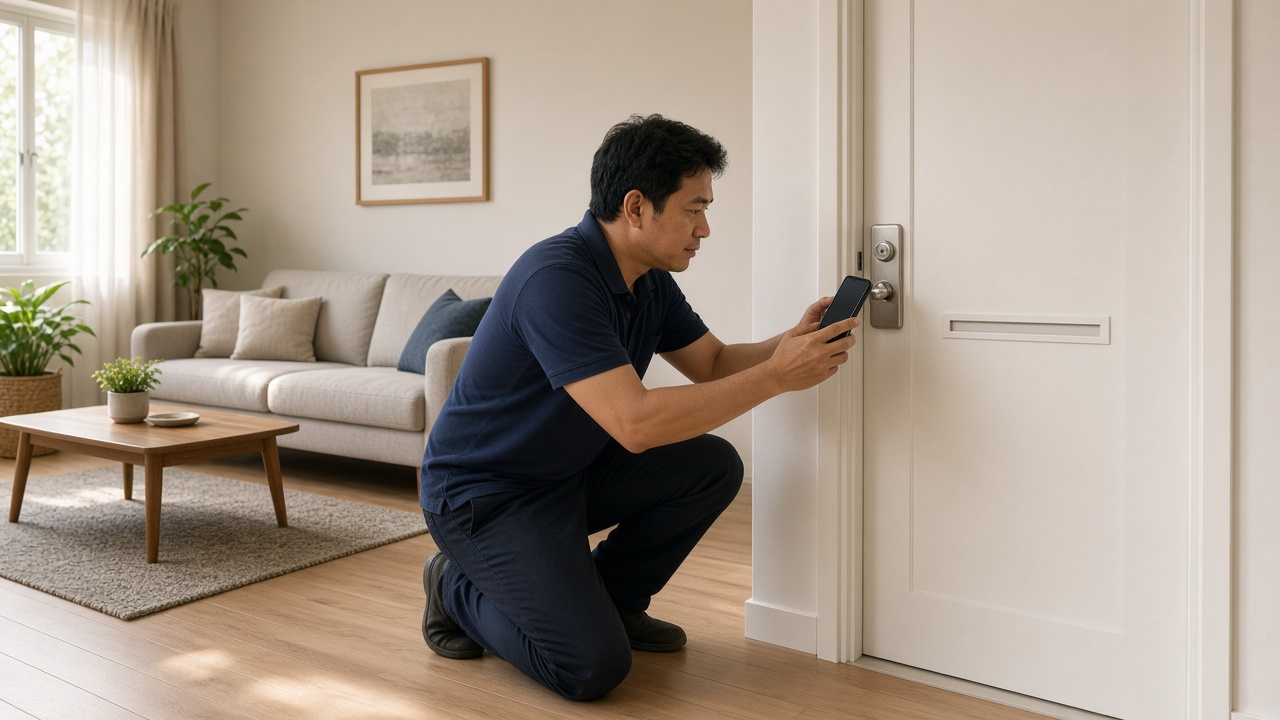
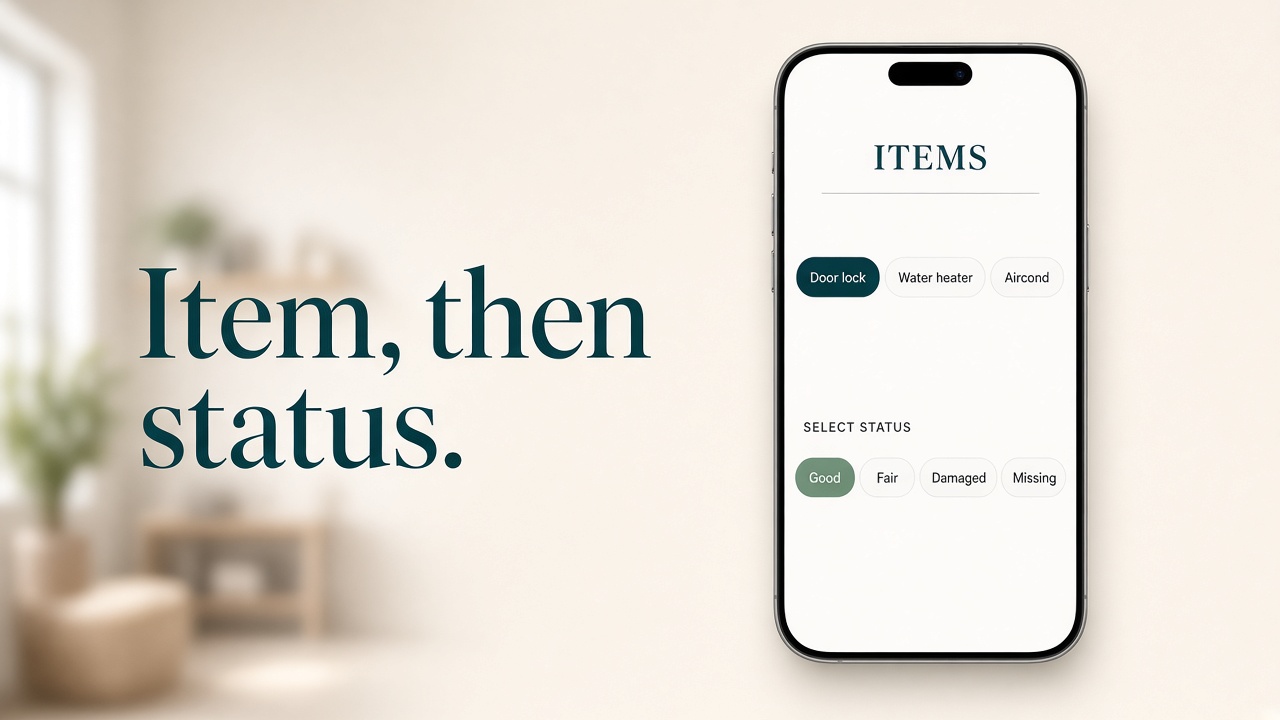
The idea is easy to follow. Each photo is one item, such as a door lock or a water heater. Each item gets a status: Good, Fair, Damaged, or Missing. A note can be added when needed. The starting list covers the things people usually check: doors, locks, switches, lights, air-conditioning, fans, the water heater, taps, the toilet, the basin, the floor trap, and the kitchen sink. A company can change this list to match its own units. Photos are grouped by room, so the report follows the walk from room to room. Defect inspection stays in the same app, with its own list, so a condition check stays a condition check.
The sign-off
The strong part is the ending. When the check is finished, the phone makes the report. The client signs on the screen, and the signature is placed in the report. The phone then shares two files, a company copy and a client copy. Both sides leave with the same report. The paperwork is done before anyone leaves the unit.
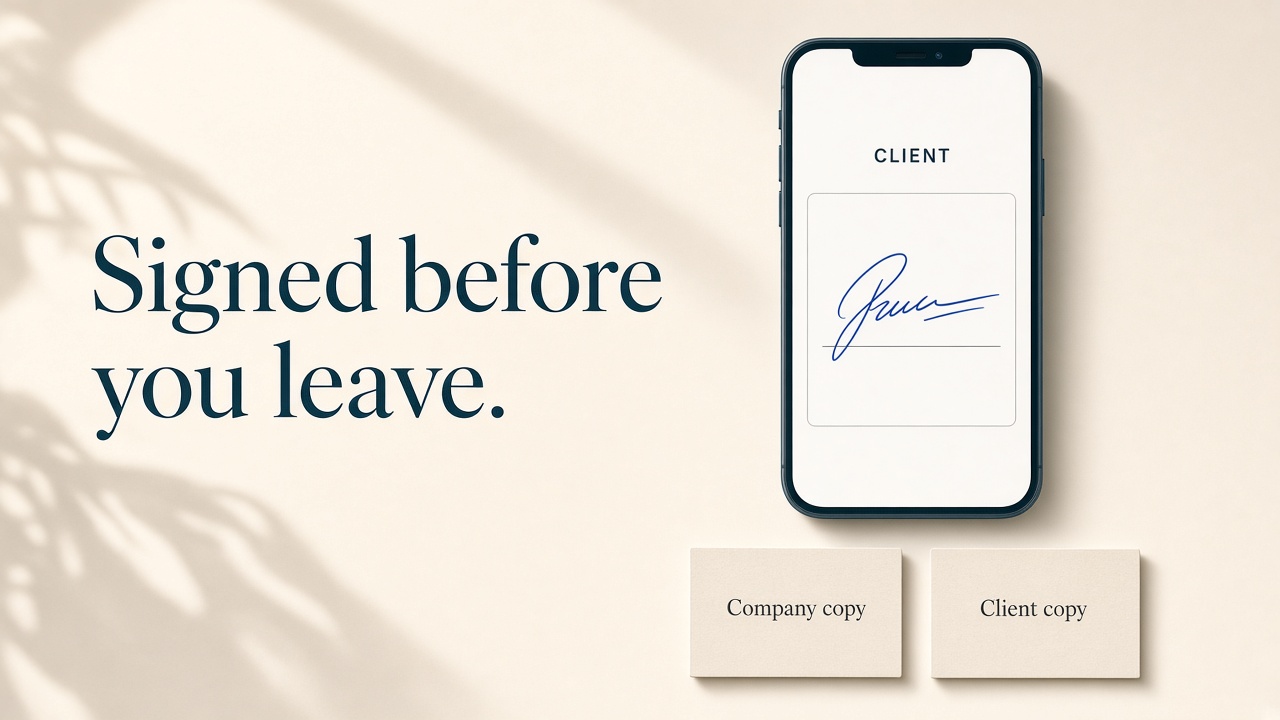
In the standard setup, the client signs. The inspector's name and the date are printed on the report. If the company wants the inspector or the owner to sign as well, an admin can add a signature line for that person. Both sides can then sign on the phone. The signature is a drawing saved in the PDF. On Professional plans and above, it is also saved in the Word file. The app records the drawing. It leaves out who held the phone, the exact signing time, and any lock on the file. Another person in the same company who has access can replace the signature. The client signs on the inspector's phone and receives the file through the phone's share menu. For a shared record of the unit at handover, this is enough. A team that needs proof of who signed, and at what time, should keep its own process around that file.
What to know first
A few limits are worth knowing before you rely on it.
The standard report is the photos, room by room, with a short list under them. It does not give a total for how many items were good, fair, damaged, or missing. On a small unit, reading the pages is easy. On a furnished apartment, the reader has to go through the whole report to see the overall condition. A single page of counts would make it easier to read.
Each handover project is independent. When the same client rents the unit again, you create a new project. There is no link between the earlier project and the current one.
Each project covers one unit. An admin creates it. The company runs in one mode at a time. If you inspect another unit in the same building, the address and property details can be copied from the last handover. The unit number and the client's name are left blank, which is usually what you want. A company that also does defect inspections switches mode when it needs the other kind of job. That is comfortable when the day is all handovers. It is less comfortable when the same morning includes both.
Photos and project data follow the same keeping period as the rest of Defiq Inspect. The unit is set to be deleted after 365 days. The report files that both sides keep are the copies that remain.
Price
Handover is turned on in the web admin portal. That portal comes with Professional, Business, and Enterprise. The product owner says Handover is included on those plans. The pricing page does not name it. Professional costs SGD 299 or RM 899 a month. On a 12-month commitment, billed each month, it costs SGD 249 or RM 749 a month. Business costs SGD 499 or RM 1,499 a month, or SGD 416 or RM 1,249 a month on the 12-month commitment.
Verdict
Handover is worth using when you want a condition check that ends with a signature and a finished report for both sides before you leave the unit. It keeps the work simple, it uses the same photo capture and offline saving that field teams already know, and it completes the report where the visit happens.
Writer, Singapore
Comments
Leave a considered note. Comments are public.
No comments yet.